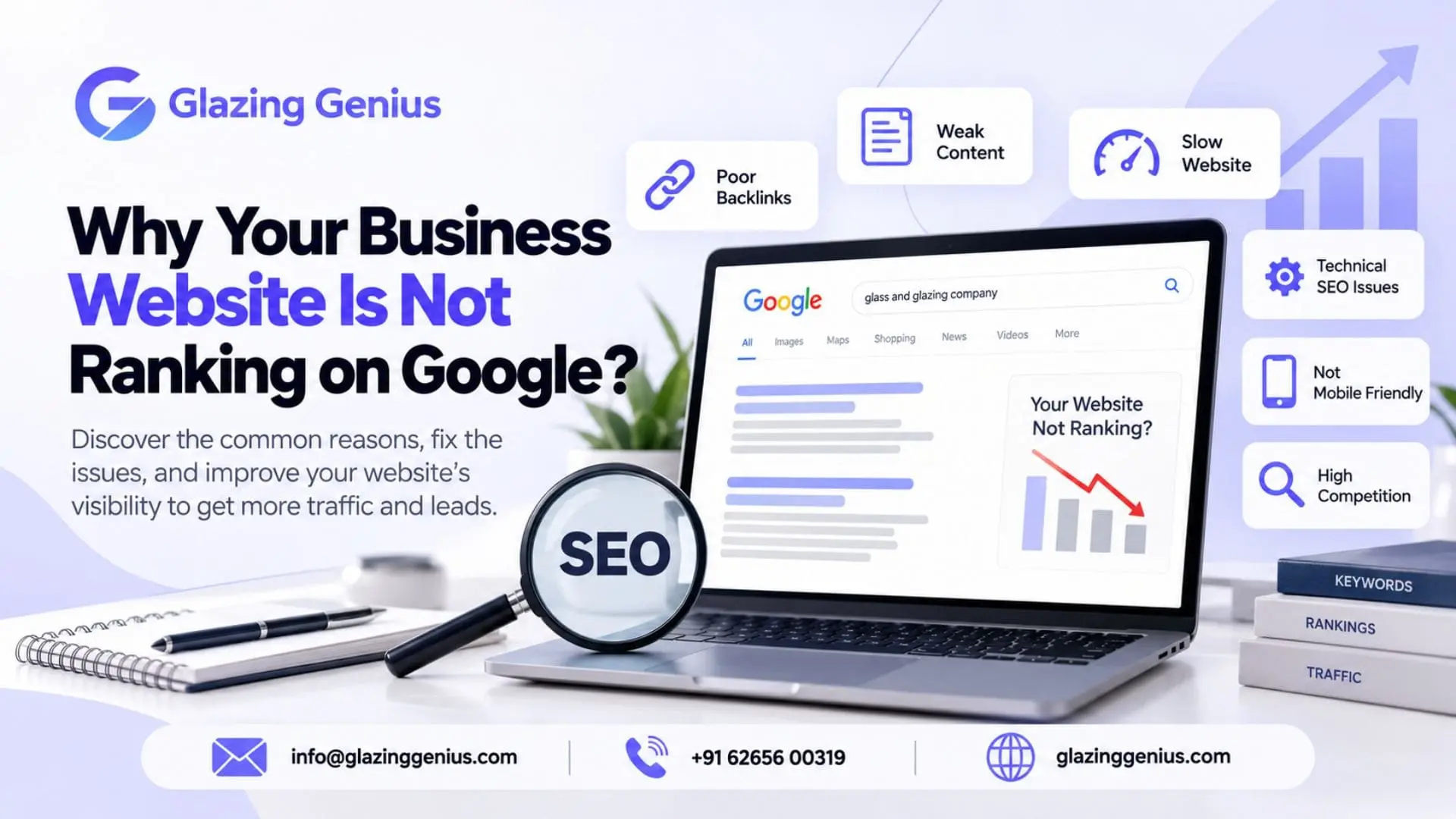
Why Your Business Website Is Not Ranking on Google
Your business website is live, but are customers finding it on Google? Your competitors appear in search results, while your website gets few clicks. Before spending more money on SEO, find out what is going wrong.
A website not ranking on Google can have several causes. Google may not have indexed your pages. Your website may target the wrong search terms. In some cases, technical errors can stop Google from reading your pages.
Each problem needs a different fix. This guide shows you how to find the cause, check your website and decide what to do next.
Table of Contents
- Google Has Not Indexed Your Website
- Your Website Is Blocking Search Engines
- Your Pages Target the Wrong Keywords
- Your Service Pages Offer Little New Information
- Your Competitors Give Better Answers
- Your Website Has Technical Errors
- Your Website Is Difficult to Use on Mobile
- Your Website Has Few Relevant Links
- Why Is Your Website Not Ranking on Google After SEO?
- A Quick Checklist for Your Website
- Frequently Asked Questions
- Why is my website not showing up on Google?
- Why is my business not showing up on Google?
- How can I get my website on Google?
- How long does it take for a website to rank on Google?
- Why is my website not getting traffic after SEO?
- Can duplicate content affect website rankings?
- Should I get an SEO audit if my website is not ranking?
- Conclusion
1. Google Has Not Indexed Your Website
Imagine you launched a website for your business last month. You search for your company name, but the website does not appear. Does this mean your SEO has failed? Not always.
Google must find and index your pages before they can appear in normal search results. New websites may need time to go through this process.
How to check your website
Open Google Search Console and select your website. Use the URL Inspection tool to check your homepage and key service pages.
The report will tell you whether Google has indexed each URL. If a page is missing, look for the reason.
You may see statuses such as:
- Discovered, currently not indexed: Google knows the URL but has not indexed it yet.
- Crawled, currently not indexed: Google visited the page but did not add it to the index.
- URL is not on Google: The page is not currently indexed. Check the report for more details.
Do not treat every status in the same way. If Google has not visited a page, check whether it can find and access the URL. If Google has visited it but not indexed it, review the page’s content and value.
You can also search site: yourdomain.com on Google to look for indexed pages. This is a quick check, but Search Console gives more useful details.
Read Google’s guide to crawling and indexing problems if you need more help.
2. Your Website Is Blocking Search Enginesz
A page may be ready for visitors but still have settings that prevent Google from accessing or indexing it.
This can happen when a developer builds a website on a test server. A setting used during development may remain active after launch.
Check these three areas.
- txt: This file gives search engine crawlers instructions about which parts of a website they can access. If it blocks an important page, Google may not be able to crawl it.
- Noindex tag: This tells search engines not to include a page in search results. Check that it has not been added to your homepage or service pages by mistake.
- Canonical tag: This tells Google which URL should be treated as the main version of a page. If it points to the wrong URL, Google may choose another page instead.
For example, your website may have a service page at /web-design/. If its canonical tag points to the homepage, Google may not treat the service page as the main version.
Check the affected URL before making changes. If you are unsure about these settings, ask your developer to review them.
3. Your Pages Target the Wrong Keywords
Your website may appear on Google but attract people who are unlikely to become customers.
Consider an industrial packaging company. It wants to reach businesses looking for a packaging supplier. However, its website gets impressions for searches about packaging ideas and DIY projects.
These searches may bring visitors, but they may not bring the right buyers.
This is a search intent problem. Search intent means what a person wants to find when they enter a query.
Someone searching for “what is industrial packaging” may want a simple explanation. Someone searching for “industrial packaging manufacturer in Pune” may be ready to contact a supplier.
Your page should match the needs of your target customer.
What should you check?
Open the Performance report in Google Search Console. Review the search queries that bring impressions to your important pages.
Ask yourself three questions:
- Do these searches relate to my products or services?
- Does the page answer what people want to know?
- Would a visitor find the information needed to take the next step?
If the answer is no, review your page title, headings and main content. Make the purpose of the page clear. Use relevant keywords where they fit, but do not force every variation into the same page.
4. Your Service Pages Offer Little New Information
Many businesses create separate pages for different cities or services. The problem starts when every page says almost the same thing.
For example, a web design company may have pages for Pune, Mumbai and Delhi. Each page uses the same paragraphs and benefits, with only the city name changed.
These pages give visitors little reason to read one instead of another.
Similar content does not automatically lead to a penalty. However, pages with little original value may struggle to stand out. Google may also choose a different URL when it finds pages with very similar content.
How to improve these pages
Give each page a clear purpose. A genuine city page could include local projects, service areas or details that matter to customers in that location.
A product page could explain its uses, features, size options or the industries it serves. These details help visitors understand what you offer.
Review pages that repeat the same information. Improve them, combine overlapping pages or remove pages that no longer serve a purpose.
The goal is not to make every page longer. It is to make every useful page worth visiting.
Google explains more in its guide to helpful, reliable content.
5. Your Competitors Give Better Answers
Your page may be indexed and technically sound, yet it may still rank below other websites.
Take a company that offers website development. Its service page lists the services and gives a phone number. Competing pages explain the process, show completed projects and answer common questions about cost and delivery.
A customer comparing providers may find those pages more useful.
You can learn from these differences without copying your competitors.
Search for your main service keyword. Open a few pages that rank above yours. Look at the questions they answer and the details they provide.
Then compare them with your own page.
- Does your page explain the service clearly?
- Have you included useful examples or past work?
- Can visitors understand your process?
- Have you answered common customer concerns?
Add information that helps people make a decision. Avoid adding extra paragraphs just to increase the word count.
6. Your Website Has Technical Errors
Sometimes the trouble is not in the contents. Google may have a problem accessing or indexing the page.
Make sure that your important URLs open without errors. Check if there are any broken links, redirect loops, or pages that show server errors.
A redirect should send visitors to the right destination. If an old service URL redirects through several pages before reaching the final one, the path may need to be simplified.
Also check your XML sitemap. It should list the URLs you want Google to discover, not old pages or URLs that redirect elsewhere.
Submitting a sitemap can help Google find your pages. It does not guarantee indexing or higher rankings.
If a page returns an error, fix the cause of the error, and then recheck the URL in Google Search Console. You can ask for another crawl of the URL after you fix the problem; however, it is up to Google to decide when they will check it again.
7. Your Website Is Difficult to Use on Mobile
Most business websites need to work well on phones as well as computers. A visitor may leave if the text is hard to read or the enquiry form does not work.
Open your website on your phone and try to complete a real task. Find a service, read its details and contact the business.
Notice anything that slows you down?
Common problems include tiny text, menus that do not work, large images and buttons that are hard to tap.
Use Google PageSpeed Insights to check page speed and Core Web Vitals. These reports can show problems with loading, response time and page layout.
Fix issues that affect visitors first. A good page experience matters, but a high-speed score alone will not guarantee better rankings.
8. Your Website Has Few Relevant Links
A new business website may have useful content but few links from other websites. Competitors may have links from industry groups, trade publications or trusted business partners.
A backlink is a link from another website to yours. Relevant backlinks can help people discover your business and may support your website’s visibility.
You do not need to chase every link you can find.
For example, a manufacturer could share an original guide with a relevant trade publication. A service business could publish a useful industry report that other sites may want to reference.
Avoid buying large numbers of links or joining link schemes designed to manipulate search results. Focus on useful content and genuine business relationships.
Links are only one part of SEO. They will not fix a page that is blocked from Google or does not answer the customer’s needs.
9. Why Is Your Website Not Ranking on Google After SEO?
You may have updated your content, fixed technical errors and worked on links. Yet your website still sits below your competitors.
Before making more changes, check what has happened since the work began.
Open Google Search Console and compare your recent performance with an earlier period. Review impressions, clicks and the queries bringing people to your website.
If impressions have increased but clicks have not, check which searches show your pages and how your results appear. If impressions have dropped, look at the affected pages and queries to find a possible cause.
Your target keywords may also be very competitive. A newer website may need more time to build useful content and earn relevant links.
There are no set periods of time for ranking. Google needs to process changes and the results also depend on what queries are used, competition, and many other variables.
Do not change too much at a time. Record all the changes and check their impact.
A Quick Checklist for Your Website
Use this list to guide your first review.
- Check whether Google has indexed your important pages.
- Review robots.txt and noindex settings.
- Check canonical tags and redirects.
- Review the search queries bringing visitors to your site.
- Improve pages that offer little useful information.
- Compare your content with competing pages.
- Fix broken links and server errors.
- Test your website on a mobile phone.
- Review your backlinks for relevance and quality.
- Track impressions and clicks in Google Search Console.
Start with indexing and access problems. Then review your content and search performance. This order helps you focus on the issue that needs attention first.
Frequently Asked Questions
1. Why is my website not showing up on Google?
Google may have indexed your pages or your site may not show up for the searches you are making. Visit the URL Inspection tool in Google Search Console to see if the page is claimed.
2. Why is my business not showing up on Google?
If your website is missing from search results, check its indexing status and content. If your business is missing from Google Maps, review your Google Business Profile separately.
3. How can I get my website on Google?
Make sure Google can access your website. Check for unwanted noindex settings, submit an XML sitemap and inspect important pages in Google Search Console. You can request indexing after fixing issues, but Google does not guarantee inclusion.
4. How long does it take for a website to rank on Google?
There is no fixed timeline. Google may take days or longer to find and index a page. Ranking well for competitive searches can take much more time.
5. Why is my website not getting traffic after SEO?
Your pages may not rank for relevant searches, or people may see them but choose other results. Check impressions, clicks and search queries in Google Search Console to find where the problem may lie.
6. Can duplicate content affect website rankings?
Very similar pages can make it harder for Google to choose which URL to show. Review pages that repeat the same information. Improve them, combine overlapping pages or use the right canonical settings where needed.
7. Should I get an SEO audit if my website is not ranking?
An SEO audit can help you find indexing errors, technical problems and weak content. It can also help you decide which issues to fix first.
Conclusion
A website not ranking on Google needs more than extra keywords. It needs a clear diagnosis.
Start by checking whether Google can access your pages. Then review your content, search queries and website experience. Fix the issues you find and track the results.
If you cannot identify the cause, an SEO review can help you decide what to do next.
Need help finding out why your website is not ranking?
Glazing Genius LLP can review your website’s technical setup, content and search performance. Request an SEO audit to find issues that may affect your visibility and plan the next steps for improvement.
Related Posts:
10 Website Mistakes That Are Costing Your Business Customers
Custom Website vs WordPress: Which Is Better for Your Business?