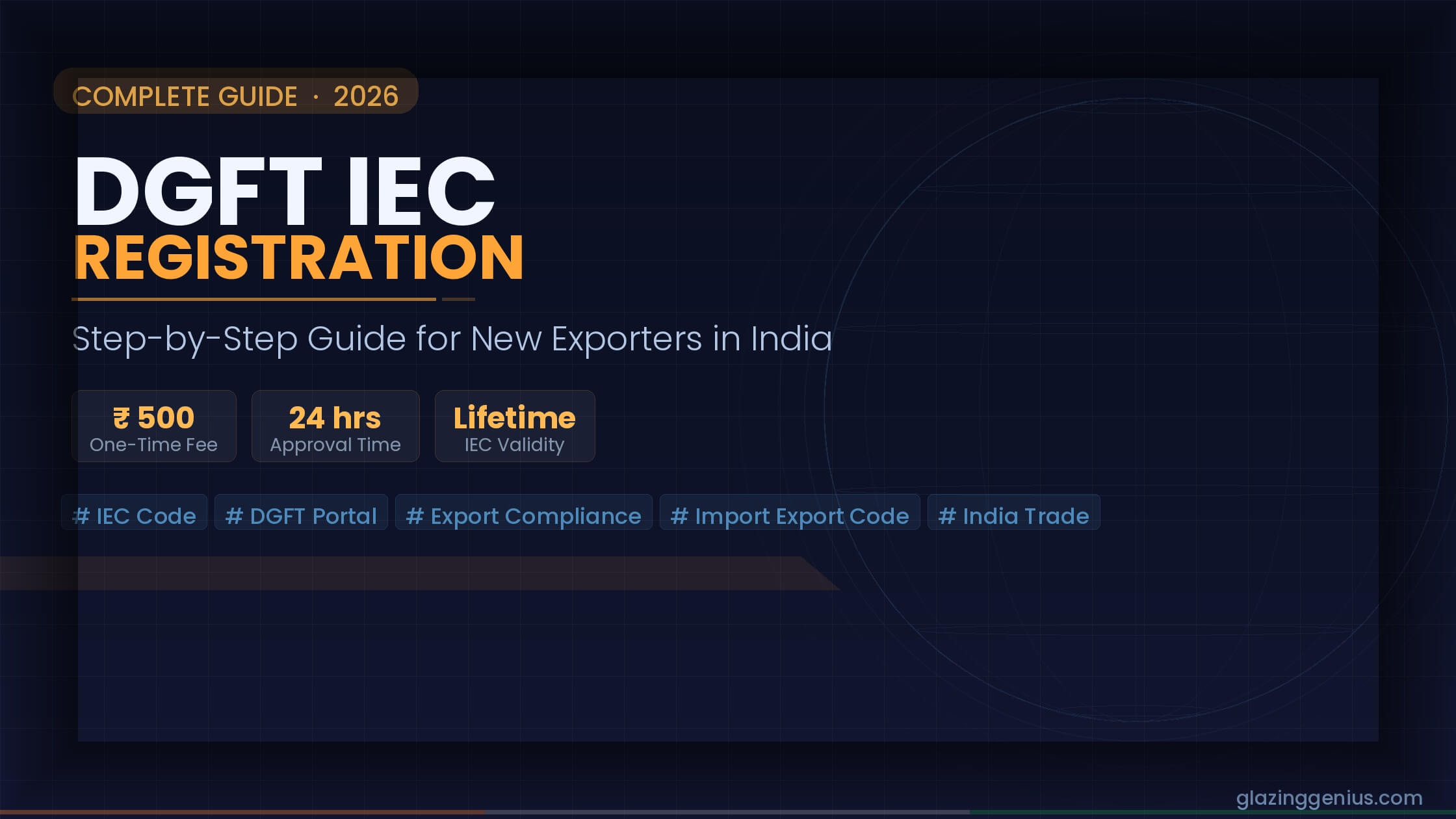
DGFT IEC Registration: Step-by-Step Guide for New Exporters
You want to export goods from India. You have the product, the buyer, and the plan. But one thing stops you cold: the IEC code.
Without it, customs won’t clear your shipment. Banks won’t process your foreign payment. Your export dream stays stuck at the gate.
The good news? Getting your IEC code is far simpler than most people think. This guide walks you through every step of the DGFT IEC registration process — from scratch to approval, modification, reactivation, and what comes next.
What Is IEC and Why Do You Need It?
IEC stands for Importer Exporter Code. It is a 10-digit number issued by the Directorate General of Foreign Trade (DGFT), which operates under India’s Ministry of Commerce.
Think of IEC as your passport for international trade. Without it, you cannot legally export or import goods in India.
The code links your business identity to every cross-border transaction. Customs uses it to clear shipments. Banks use it to process foreign payments. The government uses it to track trade data.
One IEC code covers your entire business. You do not need a separate code for each product, branch, or destination country.
Who Needs to Register for DGFT IEC?
If you plan to import or export goods commercially, you need an IEC. It applies to:
- Proprietorships and sole traders
- Partnership firms
- Private limited and public limited companies
- LLPs (Limited Liability Partnerships)
- Trusts, NGOs, and societies involved in trade
- Hindu Undivided Families (HUFs)
Do You Need a Separate IEC for Import and Export?
No. One IEC works for both imports and exports. There is no separate code for each trade direction. The same 10-digit number covers all your international trade activity under one PAN.
Who Is Exempt from IEC Registration?
Not everyone needs an IEC. The following are exempt:
- Individuals who export or import goods for personal use (not for resale or commercial gain)
- Government departments and notified charitable institutions
- Defense agencies covered under the Ministry of Defence
- Small exporters selling goods through Indian Post Offices valued up to INR 25,000 per consignment, for personal gifts
If your trade falls outside these categories, you need an IEC before your first shipment leaves or enters India.
Documents Required for DGFT IEC Registration
Before you start the online application, keep these documents ready. Missing even one will slow down your application.
For All Business Types:
| Document | Details |
|---|---|
| PAN Card | Of the business entity (not the individual) |
| Aadhaar Card | Of the authorized signatory |
| Business Address Proof | Utility bill, rent agreement, or sale deed |
| Bank Certificate / Cancelled Cheque | Must match the business bank account |
| Digital Signature Certificate (DSC) | Class 2 or Class 3 (optional but recommended) |
| Passport-size Photo | Of the applicant |
Additional Documents by Business Type:
Proprietorship: – Personal PAN and Aadhaar of the proprietor
Private Limited / LLP / Partnership: – Certificate of Incorporation or Partnership Deed – Board resolution or authorization letter
Trust / Society / NGO: – Registration certificate – Resolution authorizing the signatory
Make sure your bank account and PAN are linked. DGFT verifies them during the application.
Pro tip: Scan all documents in clear, colour PDF or JPEG format. Blurry uploads are one of the top reasons for rejection.
How to Get IEC Code in India: Step-by-Step DGFT Portal Walkthrough
Here is the exact process to complete your DGFT IEC registration online. Follow each step carefully.
Step 1: Go to the Official DGFT Portal
Visit: https://www.dgft.gov.in
Click on “Services” in the top navigation bar. Then select “IEC” from the dropdown.
Step 2: Register Your Account on the DGFT Portal
If you are a new user:
- Click “Register” on the login page
- Enter your email address and mobile number
- Verify both with OTPs sent to your phone and email
- Create a strong password and complete registration
Already registered? Simply log in with your credentials.
Step 3: Start a New IEC Application
After login:
- Go to “Apply for IEC”
- Select “New IEC Application”
- The system will auto-fill your PAN details. Verify them carefully.
Step 4: Fill in Your Business Details
This section covers:
- Business name (exactly as on your PAN)
- Nature of business (manufacturer, merchant exporter, service exporter, etc.)
- Business address (head office and branch offices if any)
- Contact details (phone, email)
Double-check every field. Errors here lead to rejection later.
Step 5: Add Bank Account Details
Enter your bank account information:
- Account number
- IFSC code
- Bank name and branch
The portal verifies this against your PAN in real time. Use the same account linked to your business PAN.
Step 6: Upload Your Documents
Upload each document in the required format:
- PAN card copy
- Address proof
- Aadhaar of the authorised signatory
- Cancelled cheque or bank certificate
- Passport-size photograph
Each file should be under 5 MB. Use PDF or JPEG format.
Step 7: Pay the Application Fee
The DGFT IEC registration fee is INR 500.
Pay online using: – Net banking – Debit or credit card – UPI
Save the payment receipt. You will need it for your records.
Step 8: Submit the Application and Sign Digitally
After uploading documents and paying fees:
- Review the entire application one final time
- Sign the application using Aadhaar-based e-Sign (easiest option) or DSC
- Click “Submit”
You will receive an acknowledgement number. Save it for tracking.
Step 9: Download Your IEC Certificate
In most cases, DGFT approves the IEC within 2 to 3 working days.
Once approved:
- Log in to the DGFT portal
- Go to “My Dashboard”
- Click “View/Download IEC”
- Download the e-IEC certificate in PDF format
Your IEC is now active. You can begin importing or exporting legally.
Fees and Processing Time for DGFT IEC Registration
Here is a quick summary:
| Item | Details |
|---|---|
| Government Fee | INR 500 (one-time) |
| Processing Time | 2 to 3 working days (usually within 24 hours) |
| Validity | Lifetime (no renewal needed) |
| Annual Update Required | Yes, once per financial year (free) |
No hidden charges, stamp duty and professional fees required if you apply yourself.
Note: IEC does not expire, but you must update it every financial year between April and June. Failure to do so can lead to deactivation.
IEC Modification vs. New IEC Registration: What Is the Difference?
Many exporters confuse these two. Here is how to tell them apart.
When Should You Modify Your IEC?
Apply for IEC modification when your existing details change. Common reasons include:
- Change of business address
- Addition or removal of branch offices
- Change of bank account
- Change of business name (after legal name change)
- Change of authorized signatory
Modification is done on the same DGFT portal. The fee is also INR 500.
When Should You Apply for a New IEC?
Apply for a new IEC only if:
- You are starting a completely new legal entity (new company, new PAN)
- Your old IEC was surrendered or permanently cancelled
You cannot have two IEC codes for the same PAN. One PAN equals one IEC, always.
How to Add a Branch Office to Your Existing IEC
Your business grows. You open a new office in a different city. Now you need to add that branch to your IEC.
Here is the process:
- Log in to the DGFT portal
- Go to “Manage IEC” or “Modify IEC”
- Click “Add Branch”
- Enter the branch address and contact details
- Upload a valid address proof for the new branch
- Pay the modification fee of INR 500
- Sign with Aadhaar e-Sign or DSC and submit
DGFT updates your IEC within 2 to 3 working days.
What Address Proof Works for a Branch?
- Electricity bill or water bill in the company’s name
- Rent agreement with the landlord’s ID proof
- Sale deed if you own the property
Important: The branch address proof must be recent (within 3 months). Older documents often lead to rejection.
IEC and GST: How Are They Linked for DGFT IEC Registration?
This is one of the most misunderstood parts of export compliance. Let us clear it up.
Your IEC and GSTIN are two separate registrations. But they must be linked for certain export benefits to work.
Why Does the IEC-GST Link Matter?
When you export goods under a GST refund claim or apply for incentive schemes like RODTEP, the government cross-checks your IEC against your GSTIN. If they are not linked, your refund claim may get stuck or rejected.
How to Link IEC with GSTIN?
- Log in to the DGFT portal
- Go to “My Dashboard”
- Select “Link GSTIN to IEC”
- Enter your GSTIN and verify with OTP
- The system links both records automatically
This step is free and takes less than 5 minutes.
What Happens If You Don’t Link Them?
- Export benefit claims get delayed
- Shipping bills may not auto-populate in GSTN
- ICEGATE (the customs portal) may flag your shipments
Link your IEC and GSTIN before your first shipment. It saves a lot of trouble later.
IEC and LUT: What Every Exporter Must Know
Once you have your IEC, the next compliance step is filing a Letter of Undertaking (LUT).
Here is why this matters.
What Is an LUT?
An LUT is a declaration you file with the GST department. It tells the government that you will export goods or services without paying IGST, and that you will realise foreign payment within the allowed time.
Without an LUT, you must either: – Pay IGST upfront and claim a refund later (ties up working capital), OR – Export under a Bond (requires a bank guarantee)
Filing an LUT is free and valid for one full financial year.
Who Can File an LUT?
Any registered GST taxpayer who:
- Has not been prosecuted for tax evasion above INR 250 lakh
- Holds a valid IEC (for goods exporters)
How to File an LUT for Export?
- Log in to the GST portal (gst.gov.in)
- Go to Services > User Services > Furnish Letter of Undertaking
- Select the financial year
- Fill in the declaration form (RFD-11)
- Sign with DSC or EVC and submit
File your LUT before the financial year begins. Ideally, do it in March or early April. Exports made without a valid LUT become taxable, which creates unnecessary complications.
Common DGFT IEC Rejection Reasons (And How to Avoid Them)
Rejections are frustrating. But most are preventable. Here are the top reasons DGFT rejects IEC applications.
1. PAN and Bank Account Mismatch
Your business PAN must match the bank account you enter. If the account belongs to a personal PAN, the system will flag it.
Fix: Open a current account in your business name before applying.
2. Blurry or Incomplete Document Uploads
A scanned document that is hard to read will cause rejection.
Fix: Scan documents at 300 DPI or higher. Use clear, colour scans only.
3. Business Address Not Matching
The address on your application must match the address proof you upload.
Fix: Use a utility bill or rental agreement that shows the exact address.
4. Incorrect or Expired Aadhaar Details
Aadhaar-based e-Sign fails if your Aadhaar is not linked to your mobile number.
Fix: Link your Aadhaar to your mobile at an Aadhaar centre before applying.
5. Multiple Applications for the Same PAN
Submitting two applications for the same PAN leads to automatic rejection.
Fix: Check your DGFT dashboard first. If an old application exists, either modify or track that one.
6. Branch Details Not Updated
If you add branch offices but don’t upload proper address proofs for each, the portal may flag errors.
Fix: Upload a valid address proof for every branch you list.
How to Reactivate a Deactivated IEC Code
DGFT deactivates your IEC if you skip the annual update for two or more consecutive years. It also deactivates IECs linked to businesses that appear non-operational.
A deactivated IEC blocks your shipments immediately. Customs will not clear your goods until you reactivate it.
Here is how to fix it:
Step-by-Step IEC Reactivation Process
- Log in to the DGFT portal (dgft.gov.in)
- Go to “Manage IEC” on your dashboard
- Check the status. If it shows “Deactivated”, click “Apply for Reactivation”
- Review and confirm all your business details
- Upload any updated documents if your address or bank details have changed
- Complete the pending annual updates for all missed years
- Sign with Aadhaar e-Sign or DSC and submit
There is no separate fee for reactivation if you complete the pending annual updates.
How Long Does Reactivation Take?
In most cases, DGFT processes reactivation within 2 to 3 working days. Some cases may take up to 7 working days if manual verification is needed.
Prevention is better than reactivation. Set a calendar reminder every April 1 to complete your annual IEC update. It takes less than 10 minutes and keeps your IEC active without interruption.
How to Surrender or Cancel Your IEC
Closing your business? Or winding up your export operations? You must formally surrender your IEC to DGFT. An abandoned IEC can cause compliance issues later.
When Should You Surrender Your IEC?
- Your company is being dissolved or wound up
- Your partnership firm is closing
- You no longer plan to import or export
- You are merging with another entity that already has an IEC
Step-by-Step IEC Surrender Process
- Log in to the DGFT portal
- Go to “Manage IEC” on your dashboard
- Click “Surrender IEC”
- Select the reason for surrender from the dropdown
- Confirm that no pending shipments or export benefit claims are active
- Sign with Aadhaar e-Sign or DSC
- Submit the request
DGFT will process the surrender and send a confirmation to your registered email.
What Happens After Surrender?
- Your IEC becomes permanently inactive
- You cannot use it for future shipments
- If you restart trade later, you will need to apply for a new IEC under a new PAN or entity
Do not abandon your IEC without formally surrendering it. Inactive but unsurrendered IECs can attract compliance notices from DGFT in some cases.
IEC for E-Commerce Exporters
Cross-border e-commerce is booming. If you sell on Amazon Global Selling, Shopify, Etsy, or any other international platform, you need an IEC before your first order ships out.
Does Amazon Global Selling Require an IEC?
Yes. Amazon requires a valid IEC during seller onboarding for cross-border exports. Without it, you cannot activate international shipping from India.
The same applies to other global platforms that ship from India, including Flipkart Cross-Border, eBay India, and Meesho Global.
How Is IEC Registration Different for E-Commerce Sellers?
The registration process is identical. You apply on the DGFT portal the same way. But e-commerce sellers need to keep two things in mind:
1. Courier Exports and IEC
Most e-commerce shipments go via courier (DHL, FedEx, BlueDart). Courier exports still require IEC for customs clearance. Ensure your IEC is active before you dispatch any international order.
2. Export through ECGF and ONDC Global
If you sell through government-supported platforms like ONDC Global or India Post’s cross-border service, your IEC must be registered and updated. These platforms verify IEC during merchant onboarding.
Can E-Commerce Exporters Claim Export Benefits?
Yes. E-commerce exporters are eligible for:
- RODTEP scheme (rebate of duties and taxes)
- Duty Drawback on input materials
- NIRVIK scheme (export credit insurance)
All these schemes require a valid, active IEC. Keep it updated every year without fail.
For a complete guide on IEC registration for online sellers, Glazing Genius covers the nuances of e-commerce exports in detail.
Do Freelancers Need an IEC for Foreign Payments?
This question comes up constantly. Especially from Fiverr sellers, Upwork freelancers, software developers, and content creators who receive foreign payments.
Here is the honest answer.
Is IEC Mandatory for Freelancers?
Strictly speaking, IEC is not mandatory for pure service exports (which is what most freelancers do). The Foreign Trade Policy exempts individual service providers in some categories.
But many freelancers still get an IEC. Here is why:
- Some banks ask for IEC when foreign inward remittances exceed a certain threshold
- Platforms like Payoneer and Wise sometimes request IEC during account verification
- It makes you eligible for the SEIS (Service Exports from India Scheme) and other DGFT benefits
- It adds credibility when dealing with large international clients
When Should a Freelancer Definitely Get an IEC?
Get an IEC if you:
- Receive regular foreign payments of INR 10 lakh or more annually
- Plan to export physical goods alongside services (merchandise samples, printed materials, etc.)
- Want to register on government export promotion portals
- Operate as a registered business (not as an individual)
If you work as a sole proprietor and only receive small payments occasionally, you may not need one right away. But getting it early is always the smarter move.
How to Verify an IEC Code Online
Need to check if an IEC is valid? Maybe you want to verify a supplier’s IEC before signing a contract. Or check the status of your own application.
DGFT offers a free IEC lookup tool.
How to Check IEC Status on the DGFT Portal
- Visit https://www.dgft.gov.in
- Go to “Services” > “IEC”
- Click “Know Your IEC” or use the IEC Search tool
- Enter the IEC number or the PAN of the entity
- The portal shows the IEC holder’s name, status, and registration date
What Does the Status Mean?
| Status | Meaning |
|---|---|
| Active | IEC is valid and operational |
| Deactivated | Annual update missed or administrative action taken |
| Surrendered | Permanently cancelled by the holder |
| Suspended | Temporarily blocked due to compliance issues |
If a supplier’s IEC shows as deactivated or suspended, be cautious. Their shipments may face customs clearance issues that can delay your supply chain.
What Should You Do After Getting Your IEC?
Your IEC is approved. Now what?
Many new exporters stop at IEC and miss the next steps. Here is the roadmap to get export-ready.
Step 1: Link Your IEC with GSTIN
Do this on the DGFT portal immediately. It ensures your export refunds and shipping bills process without issues.
Step 2: File Your LUT with GST
File your Letter of Undertaking on the GST portal. This lets you export without paying IGST upfront. It is free and takes under 15 minutes.
Step 3: Get an RCMC (Registration Cum Membership Certificate)
An RCMC is issued by Export Promotion Councils (EPCs) for your specific product category. It is required to claim many export benefits and schemes.
Examples: – APEDA for agricultural and food products – FIEO for general merchandise – EEPC India for engineering goods – CLE for leather products
Step 4: Open an EEFC Account
An Exchange Earners’ Foreign Currency (EEFC) account lets you hold foreign currency from export earnings. You don’t need to convert everything immediately. This saves on conversion charges.
Step 5: Register on Relevant Export Portals
- Indian Trade Portal (indiantradeportal.in) — for trade leads and buyer enquiries
- DGFT Preferential Trade Agreements Portal — to check duty benefits in target countries
- India Trade Promotion Organisation (ITPO) — for trade fairs and exhibitions
Starting your export journey? Resources like Glazing Genius provide a plain-language guide to every step after IEC registration, so you do not miss anything important.
How Does IEC Connect to Your Export Business?
Once you have your IEC, a whole world opens up. You can:
- Clear customs for import and export shipments
- Open a current account for foreign remittances
- Apply for export benefits like RODTEP, MEIS, and Duty Drawback
- Register on government export promotion portals
- Access financing from banks for trade transactions
Tips to Speed Up Your DGFT IEC Registration
A few smart moves can get your IEC approved faster:
- Apply on a weekday morning. DGFT servers are less busy early in the day.
- Use Aadhaar e-Sign. It is faster than uploading a DSC.
- Keep your mobile and email handy. OTPs expire quickly.
- Cross-check PAN details. The name must match exactly, including initials.
- Use a reliable internet connection. A dropped connection during document upload can corrupt your submission.
Annual IEC Update: Do Not Skip This
Many exporters forget this. After you get your IEC, you must update it once a year.
The annual update window is April 1 to June 30 each year.
Even if nothing has changed in your business, you still need to log in and confirm your details. The system treats this as a compliance check.
If you skip the update for two consecutive years, DGFT may deactivate your IEC. You will then need to go through the reactivation process, which takes extra time and effort.
Set a calendar reminder every April. It takes less than 10 minutes.
Is IEC Mandatory for Service Exporters?
Yes and no.
If you export services (IT, consulting, design, etc.) and receive payment in foreign currency, an IEC is not always mandatory. But it is strongly recommended.
Here is why:
- Banks often ask for IEC when you receive large foreign remittances
- It helps you claim service export benefits under government schemes
- Many foreign clients and platforms request it during onboarding
Service exporters who want to scale internationally should get their IEC early. It signals professionalism and makes compliance smoother.
For detailed guidance on how service exporters can use IEC to their advantage, Glazing Genius offers practical insights tailored to Indian businesses.
Frequently Asked Questions (FAQs):
Related Posts:
RoDTEP Scheme Explained: Understand How to Claim Your Refund in 2026
How to Get RoDTEP License in 2026